
Without Using the Inside Switch…
Over 30 years in the automotive industry, I have seen every technological evolution from the first "clicker" fobs to modern NFC digital keys. Right now, a specific issue is circulating within the 4th-Generation Toyota Tacoma community regarding the new Digital Smart Key Card. Owners love the convenience of the wallet-sized key, but many are finding themselves in a "passenger lockout" scenario that is causing more than a few domestic disputes.
James De Nitto, a 2025 Toyota Tacoma owner from West Palm Beach, Florida, perfectly captured the frustration on the 4th Generation Toyota Tacoma Owners Group Facebook page:
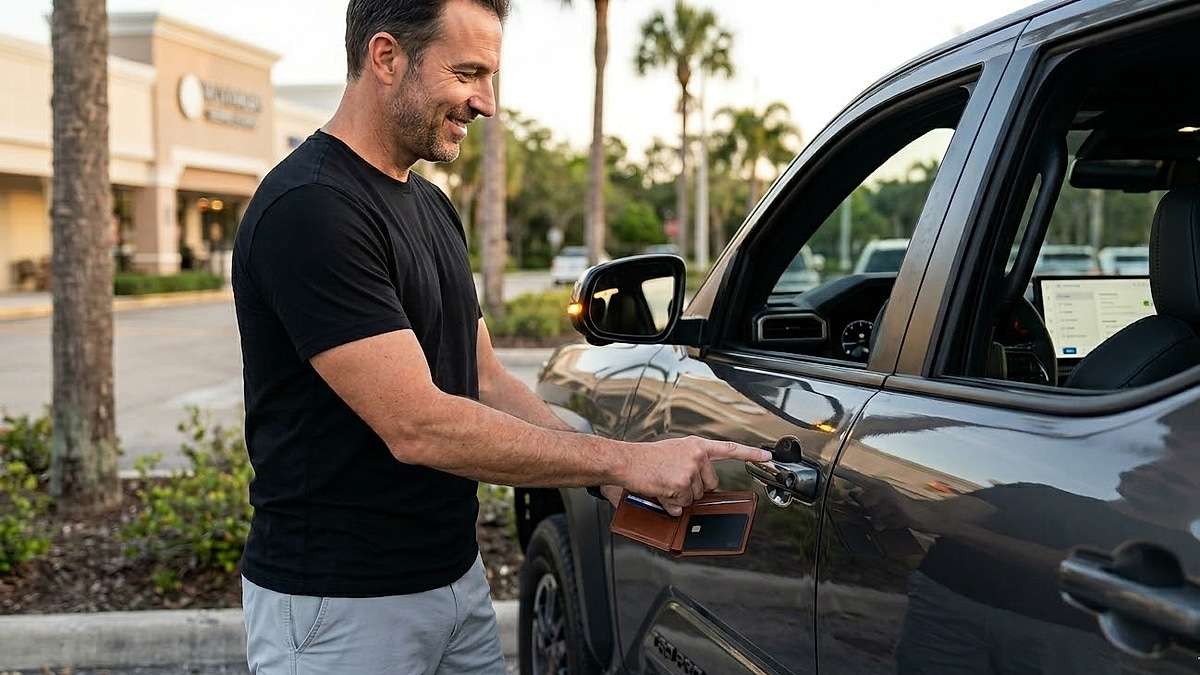
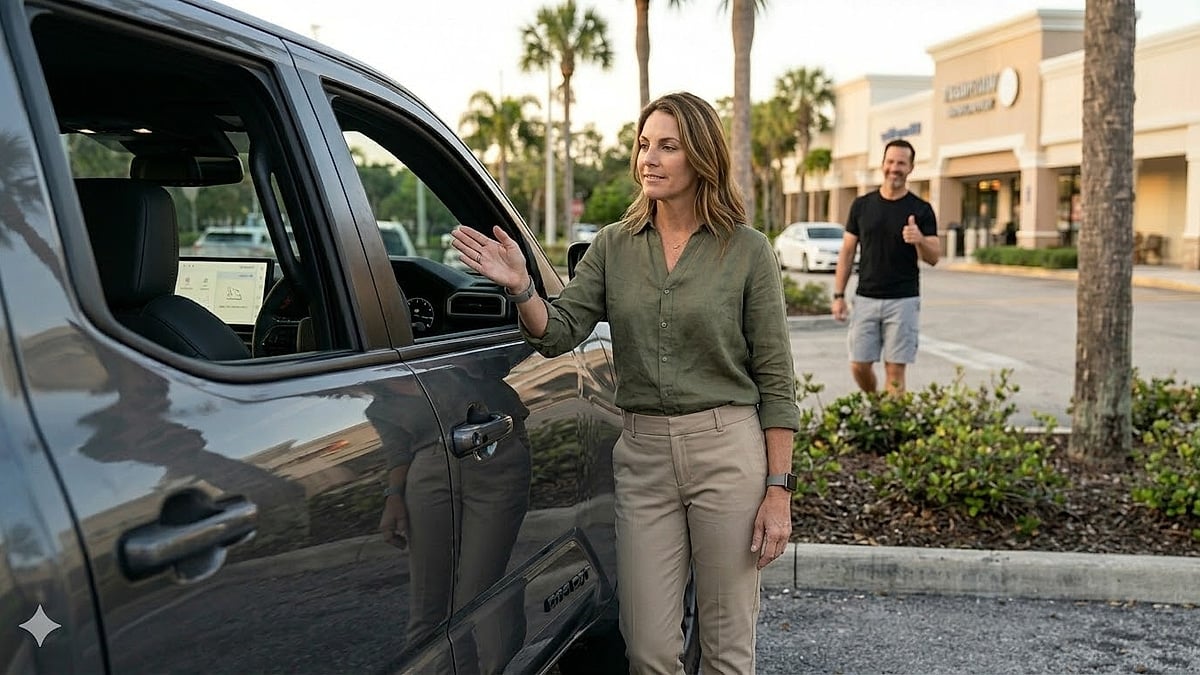
“I love using the digital smart key card I got when I bought my 2025 Toyota Tacoma as my key. I just keep it in my wallet, and the driver's door opens when I’m near it. Does anyone know how to make it so it opens both front doors? My wife gets annoyed waiting to open her door as I have to open and unlock from the inside.”
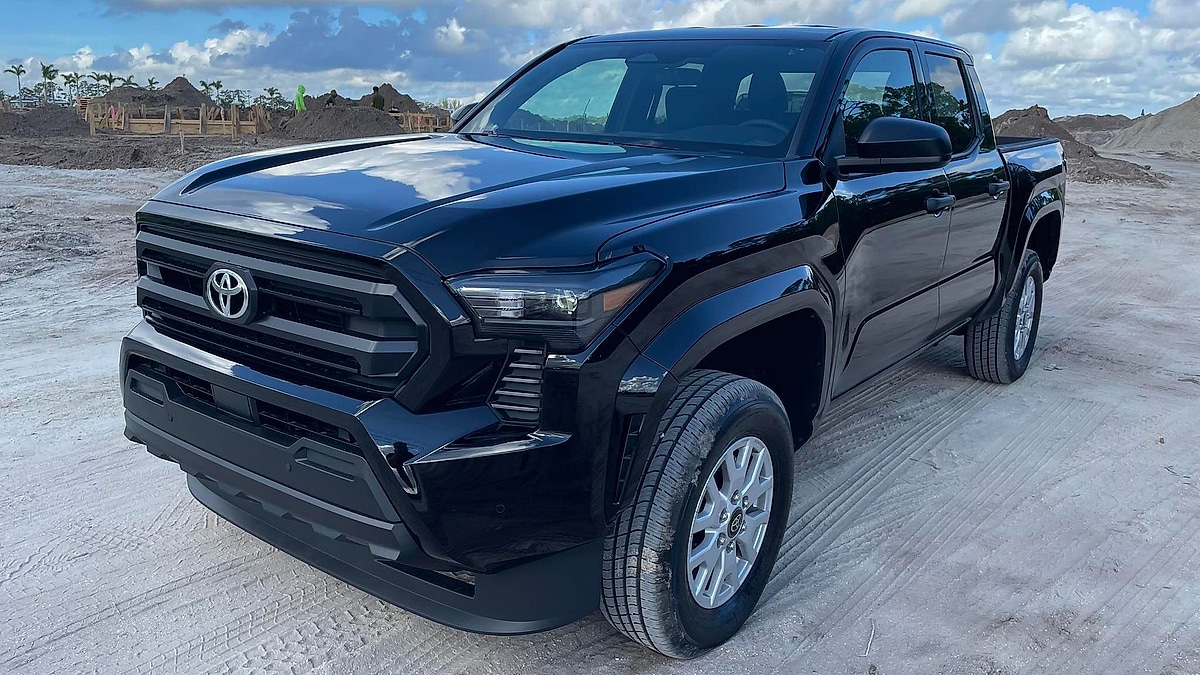
Who is affected? Owners of the 2025 Tacoma (typically TRD Off-Road, Sport, or Limited trims with the Premium Package).
How do you fix it? By navigating the "Vehicle Customization" menu on the 14-inch Toyota Multimedia system.
Why is this happening? Toyota ships these trucks with a "Driver’s Door Only" safety default to prevent unauthorized entry from the passenger side in parking lots.
As I recently noted in my investigation into 4th-Gen Tacoma owner reports, while the 2025 Toyota Tacoma TRD has great looks and innovation, owners are genuinely raving about the new slim, credit-card-style key fob, even as they navigate some early-gen software quirks. I have found that these small "quality of life" settings often represent the biggest hurdle for new owners who expect a $60,000 truck to "just work" intuitively. In fact, many 2025 Toyota Tacoma owners are impressed not just by the truck's typical features but by this unique innovation, and they are looking for ways to maximize its utility.
The "Annoyed Wife" Setting
The 2025 Toyota Tacoma’s Digital Key Card uses Near Field Communication (NFC) and Bluetooth Low Energy (BLE) to detect the driver's proximity. By default, the system prioritizes "Safety over Convenience," unlocking only the door where the key is detected. This report provides the exact step-by-step menu navigation to change this setting to "All Doors," ensuring a seamless experience for both the driver and the passenger.
My Take: Convenience vs. Safety Defaults
There is nothing that ruins the "new truck smell" faster than your partner standing in the rain or humidity of West Palm Beach while you fumble with the door handle. From my view, Toyota’s decision to hide this setting three layers deep in the infotainment system is a classic example of "safety-first" engineering that ignores the reality of daily truck life.
Verified experts at Brantford Toyota recently confirmed that this setting is one of the most requested "dealer-flips" during the delivery process, noting that owners can easily change the smart key access to all doors via the vehicle customization screen. Furthermore, the official Toyota Quick Reference Guide states that the Smart Key system is highly customizable, though many owners overlook the "Door Control" sub-menu hidden within the general settings.
What You Need To Know
To boost your Tacoma's utility and stop the "passenger lockout" cycle, you need to understand how the 4th-gen logic operates. Here are the technical "must-knows" for the Smart Key Card:
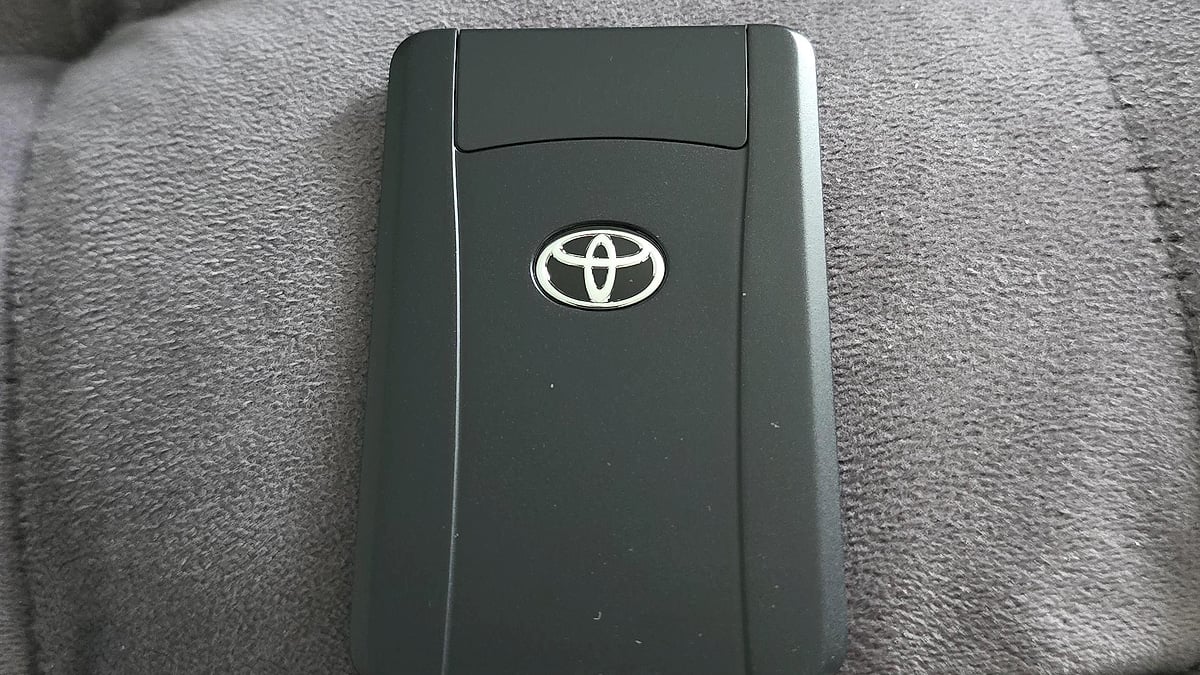
- The Hardware: The card is roughly as thick as three credit cards. It contains an NFC chip and a CR2032 battery.
- The Sensor Location: The antenna for the Digital Key is located within the exterior door handles. If your wallet is in your back pocket, your body can occasionally block the signal (a phenomenon known as "body shielding").
- The Software Toggle: The fix is not a physical one; it is a digital handshake adjustment within the Toyota Multimedia System.
- The Backup: If the card's battery dies, a mechanical key is hidden inside the card. Look for the small silver release button on the side.
Tech Observations from Owner Communities
The frustration James is feeling is a hot topic on enthusiast forums. In a recent technical discussion on r/ToyotaTacoma, one owner highlighted the vulnerability of the new design, mentioning, "if your wife and kids beat you to the truck, they just stand there waiting for you to unlock it," which you can read in the full discussion here.
Another owner shared a similar sentiment regarding the learning curve of the new system, stating, "I find that the truck sometimes has a hard time detecting it if my wallet is on the opposite side of the hand I'm grabbing the handle with," found in this Reddit thread on 4th-gen tech quirks. My 30 years of experience tells me that these sensors are calibrated for a very specific range, and changing the unlock behavior to "All Doors" actually improves the sensor's "read success" because it triggers a broader polling of the vehicle's entry points.
Key Takeaways for Tacoma Owners
- Check the Menu: Settings > Vehicle Customization > Door Control > Smart Key Access > All Doors.
- Wallet Placement: Keep the card in a front pocket or an outer wallet slot to ensure the NFC signal reaches the door handle antenna without interference.
- Battery Life: The Smart Key Card battery typically lasts 12 to 18 months. Keep a spare CR2032 in your center console.
- Passenger Convenience: Setting the unlock to "All Doors" also applies to the tailgate, which is a major win when loading gear.
From My View
I have spent decades testing how manufacturers implement "convenience" features. Toyota's Digital Key is a win, but only if you take the time to set it up for your specific lifestyle. If you frequently travel with a partner or kids, the "Driver’s Door Only" setting is a relic of 1990s safety thinking that doesn't belong in a 2026 tech-forward pickup.
If you make the change I've outlined above, you won't just be fixing a truck setting; you'll be fixing the "annoyed wife" problem that James is dealing with in Florida.
Advanced Tech Requires "User-Expert" Intervention
The 4th-Generation Toyota Tacoma is a masterclass in midsize-truck capability, but its advanced technology requires a bit of "user-expert" intervention. By simply diving into the infotainment settings and toggling the Smart Key Access to "All Doors," you can transform the Digital Key Card from a frustrating gadget into the most useful tool in your wallet.
It's Your Turn: Have you had trouble getting your 2025 Tacoma to recognize your Digital Key, or have you found another "hidden" setting that changed the way you use your truck? Tell us what you think and leave a comment using the red "Add new comment" link below.
About The Author
Denis Flierl is a 14-year Senior Reporter at Torque News and a member of the Rocky Mountain Automotive Press (RMAP) with 30+ years of industry experience. Based in Parker, Colorado, Denis leverages the Rockies' high-altitude terrain as a rigorous testing ground to provide "boots-on-the-ground" analysis for readers across the Rocky Mountain region, California EV corridors, the Northeast, Texas truck markets, and Midwest agricultural zones. A former professional test driver and consultant for Ford, GM, Ram, Toyota, and Tesla, he delivers data-backed insights on reliability and market shifts. Denis cuts through the noise to provide national audiences with the real-world reporting today’s landscape demands. Connect with Denis: Find him on LinkedIn, X @DenisFlierl, @WorldsCoolestRides, Facebook, and Instagram.
Photo credit: Denis Flierl via James De Nitto
Set Torque News as Preferred Source on Google
Follow us today...