
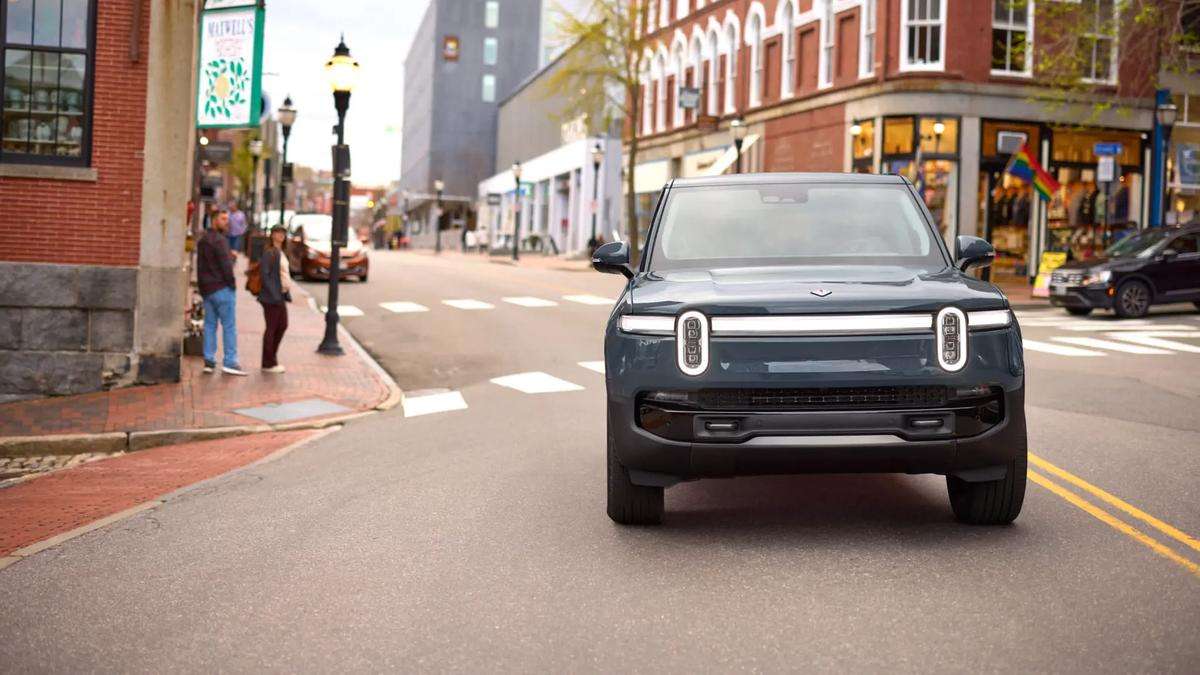

Software updates have become the new chip tunes from manufacturers. They promise more power, more capability, and a better driving experience without ever lifting a finger. Sometimes they deliver. Sometimes they complicate things.
Rivian’s recent .46 over-the-air update lands squarely in that familiar gray area, improving daily usability in meaningful ways while introducing new friction that reminds owners how unfinished digital vehicles can still feel.
After living with the update for roughly 250 miles, one Rivian R1S owner summed up the experience with refreshing clarity. Posting to r/Rivian, DeaconMcFly described the update as “two steps forward and one step back.”
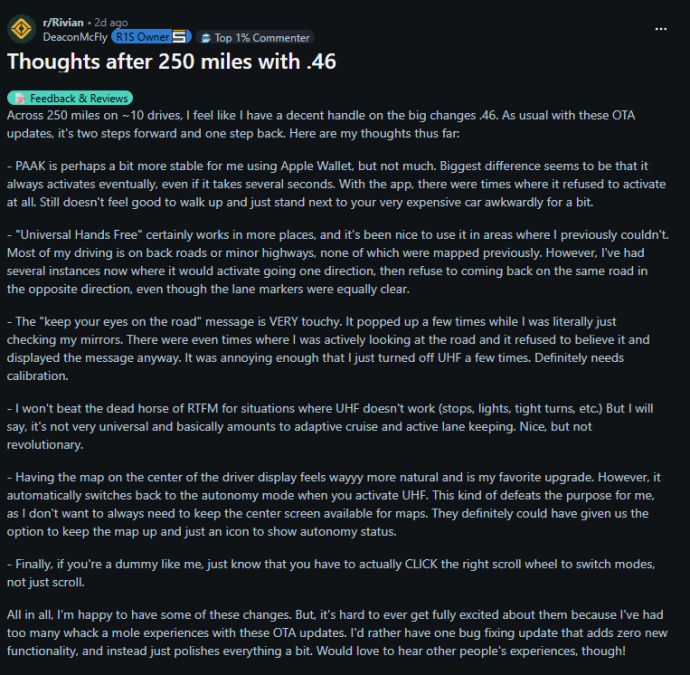
“Across 250 miles on ~10 drives, I feel like I have a decent handle on the big changes .46. As usual with these OTA updates, it's two steps forward and one step back. Here are my thoughts thus far:
- PAAK is perhaps a bit more stable for me using Apple Wallet, but not much. The biggest difference seems to be that it always activates eventually, even if it takes several seconds. With the app, there were times when it refused to activate at all. Still doesn't feel good to walk up and just stand next to your very expensive car awkwardly for a bit.
- "Universal Hands Free" certainly works in more places, and it's been nice to use it in areas where I previously couldn't. Most of my driving is on back roads or minor highways, none of which were mapped previously. However, I've had several instances now where it would activate going one direction, then refuse to come back on the same road in the opposite direction, even though the lane markers were equally clear.
- The "keep your eyes on the road" message is VERY touchy. It popped up a few times while I was literally just checking my mirrors. There were even times when I was actively looking at the road, and it refused to believe it and displayed the message anyway. It was annoying enough that I just turned off UHF a few times. Definitely needs calibration.
- I won't beat the dead horse of RTFM for situations where UHF doesn't work (stops, lights, tight turns, etc.) But I will say, it's not very universal and basically amounts to adaptive cruise and active lane keeping. Nice, but not revolutionary.
Advertising
- Having the map in the center of the driver display feels wayyy more natural and is my favorite upgrade. However, it automatically switches back to the autonomy mode when you activate UHF. This kind of defeats the purpose for me, as I don't want to always need to keep the center screen available for maps. They definitely could have given us the option to keep the map up and just an icon to show autonomy status.
- Finally, if you're a dummy like me, just know that you have to actually CLICK the right scroll wheel to switch modes, not just scroll.
All in all, I'm happy to have some of these changes. But it's hard to ever get fully excited about them because I've had too many whack-a-mole experiences with these OTA updates. I'd rather have one bug-fixing update that adds zero new functionality, and instead just polishes everything a bit. Would love to hear other people's experiences, though!”
One of the most notable improvements involves Phone As A Key. Using Apple Wallet, DeaconMcFly reports that PAAK is more reliable than before, with the key difference being that it now eventually works every time. That may sound like faint praise, but anyone who has stood beside a locked EV, phone in hand, knows how awkward that moment can feel. Reliability, even delayed reliability, is progress. Still, the fact that activation can take several seconds means the system remains something you tolerate rather than trust.
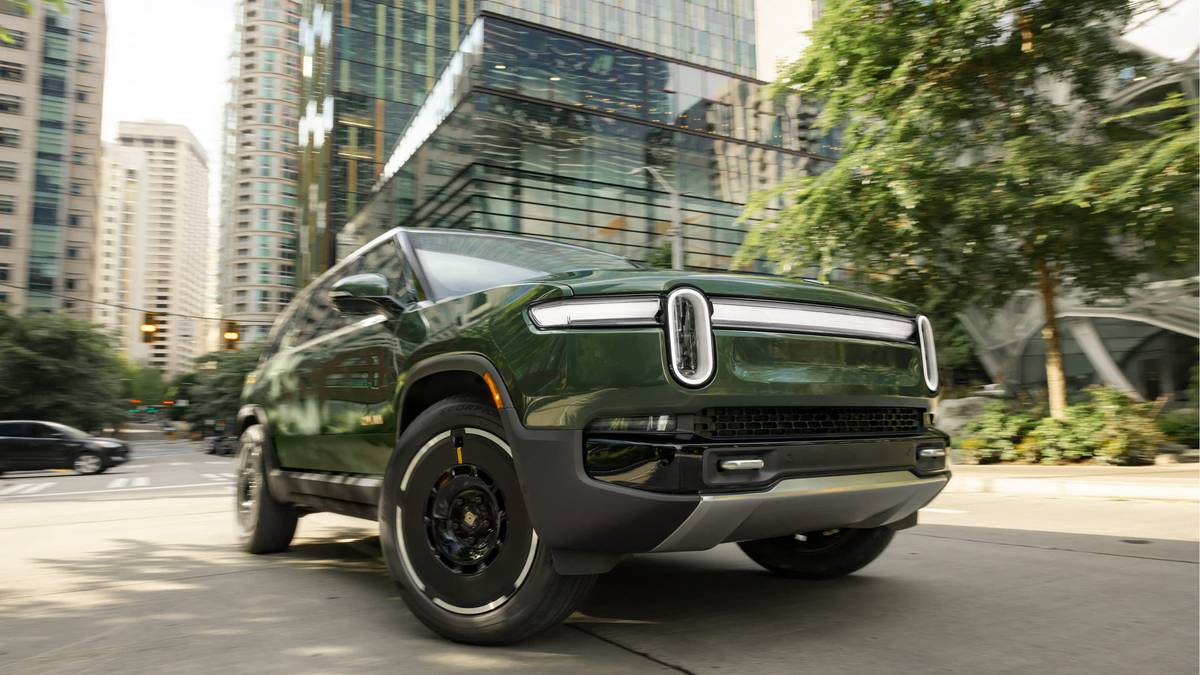
Rivian R1S: Electric Utility
- The R1S combines three-row seating with an electric drivetrain, positioning it as a practical alternative to large, traditionally powered SUVs.
- Independent motor control supports confident traction across uneven surfaces, reinforcing the vehicle’s off-road and all-weather capability.
- Interior packaging emphasizes usable space, with a flat floor and flexible storage areas that support passengers and cargo alike.
- Adjustable air suspension allows the R1S to adapt to different driving conditions, balancing ride comfort on pavement with added clearance when needed.
Rivian’s expanded “Universal Hands Free” capability also shows clear advancement, particularly for drivers who spend time on roads outside pre-mapped highways. The system now activates on more back roads and minor highways, which is a genuine usability win. But consistency remains elusive. DeaconMcFly notes multiple instances where UHF would activate on a stretch of road in one direction, only to refuse engagement when traveling back the other way under similar conditions. Clear lane markings alone are apparently not enough. That inconsistency undercuts confidence and reinforces the sense that the system is still very much learning.
The most contentious change may be the driver monitoring behavior. The “keep your eyes on the road” warning is described as overly sensitive, triggering while checking mirrors, or even while actively looking forward. That kind of false-positive feedback erodes trust quickly. A safety system that does not believe the driver becomes a distraction itself. DeaconMcFly admits turning UHF off entirely during some drives, not because it failed, but because it became annoying. That is a calibration problem, not a philosophical one.
There is also a growing realization among owners that “Universal Hands Free” is not quite as universal as the name implies. It still struggles with stops, traffic lights, and tighter road geometry, effectively behaving like a refined blend of adaptive cruise control and lane keeping. Useful, certainly, but not transformative. As one commenter put it implicitly, expectations matter. Those who approach it as a fatigue-reduction tool seem more satisfied than those hoping for something closer to autonomy.
Ironically, one of the most praised changes has nothing to do with autonomy at all. The ability to display navigation maps in the center of the driver display feels natural and long overdue. Several owners, including DeaconMcFly, called it their favorite update feature. The frustration comes from what happens next. Activating UHF automatically replaces the map with autonomy visuals, forcing drivers to rely on the center screen for navigation again. Multiple commenters echoed this complaint, suggesting Rivian relocate autonomy visuals to a side panel or dedicated app so maps can remain front and center. It is a small interface decision with outsized daily impact.
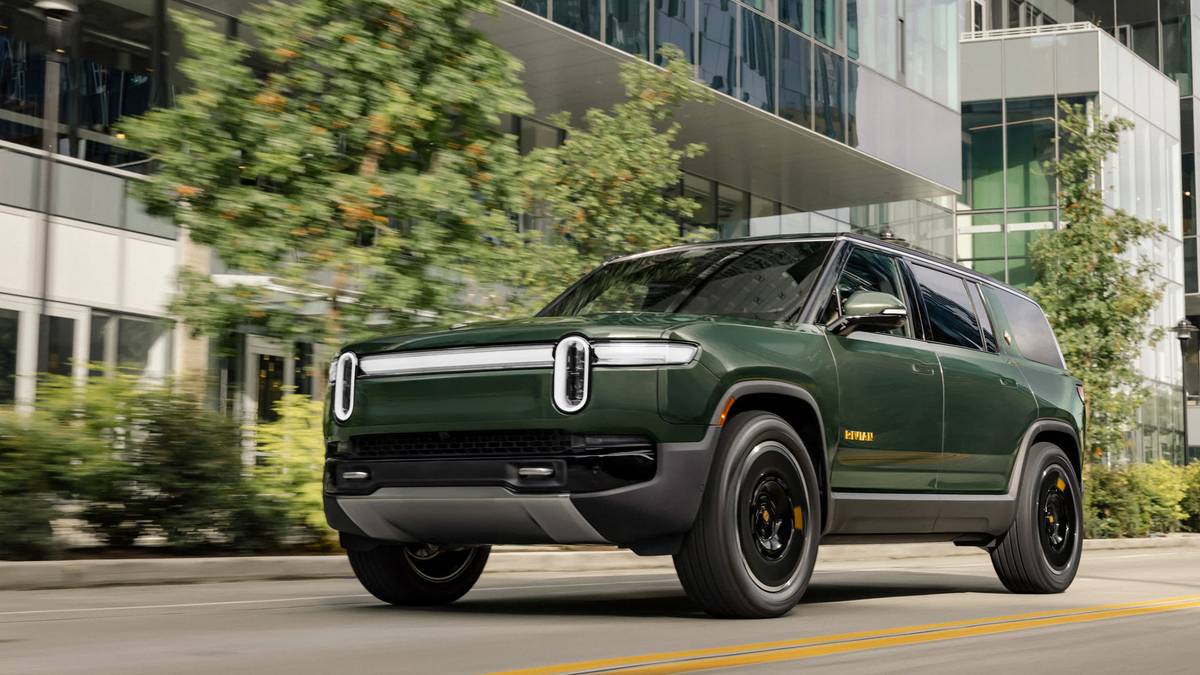
Even the update’s learning curve generated its own moment of communal humility. DeaconMcFly confessed it took far too long to realize that switching modes requires clicking the right scroll wheel, not just scrolling it. Other owners quickly admitted the same mistake, turning confusion into camaraderie. These are the kinds of usability quirks that never appear in release notes but define the lived experience of software-driven vehicles.
Taken as a whole, Rivian’s .46 update reflects both the promise and the burden of constant evolution. The truck may ride a little tighter, as some owners suspect, though even they admit it might be psychological. Features improve, regress, and reshuffle, sometimes within the same release. DeaconMcFly’s closing sentiment resonates beyond Rivian: fewer features, fewer bugs, more polish. In an era where vehicles gain capabilities overnight, the real luxury may be a version number that simply makes everything work better than it did yesterday.
Image Sources: Rivian Media Center
Noah Washington is an automotive journalist based in Atlanta, Georgia. He enjoys covering the latest news in the automotive industry and conducting reviews on the latest cars. He has been in the automotive industry since 15 years old and has been featured in prominent automotive news sites. You can reach him on X and LinkedIn for tips and to follow his automotive coverage.
Set Torque News as Preferred Source on Google
Follow us today...




Comments
I've abandoned Rivian Driver…
Permalink
I've abandoned Rivian Driver+ for Openpilot on the Comma 3x.
It drives the truck with a much more natural feeling. It works anytime on any road with true hands free driving.