
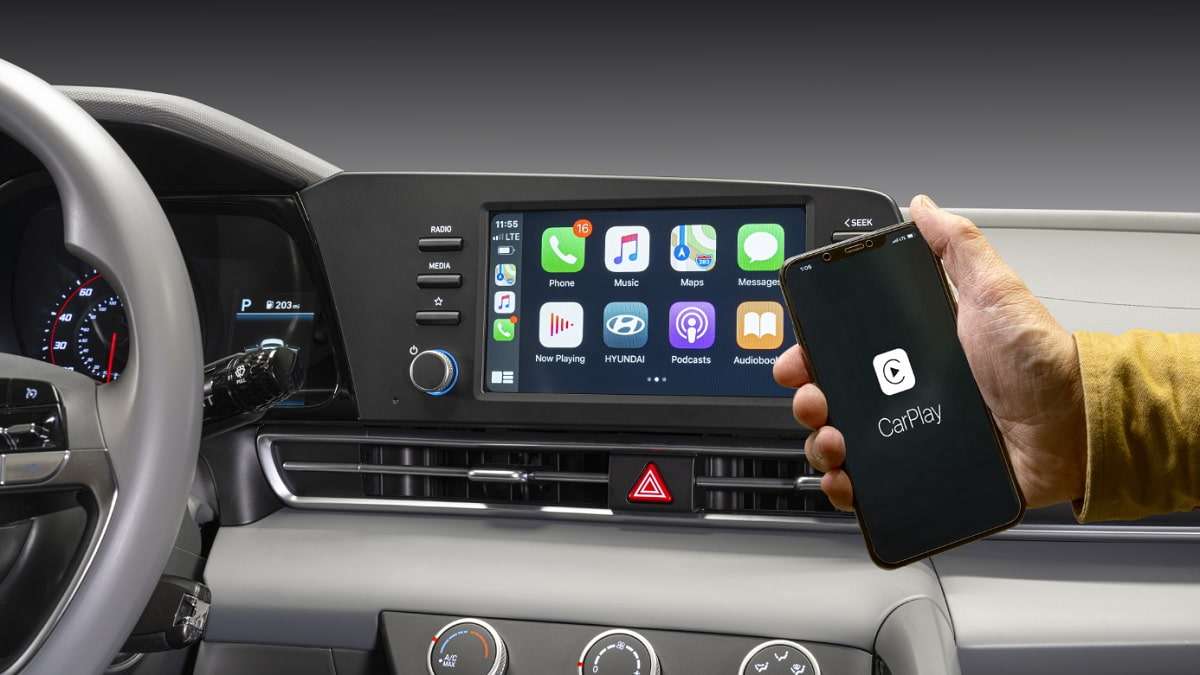

As our lives get further entwined with smartphones, Apple and Google offer ways to seamlessly integrate them into our vehicles. Despite being around for over ten years, many folks don’t know the benefits of Apple CarPlay and Android Auto.
They are smartphone integration systems that mirror essential phone apps (maps, music, messages, calls) onto a car's built-in infotainment screen, making them accessible and safer to use while driving via touch, steering wheel controls, or voice commands (Siri for CarPlay, Google Assistant for Android Auto). They transform your car's display into a familiar, simplified interface for navigation (Google Maps, Apple Maps), streaming (Spotify, Pandora), and communication, reducing distraction from your actual phone. However, we see on social media that the benefits aren’t clear to a lot of people. Here’s a good post from the r/electricvehicles subreddit where achilton1987 posts:
“I don’t use CarPlay and I’m wondering why people are so adamant about using it.
My car synchronizes with my messages. I use google maps and use Bluetooth for streaming my music.
Am I missing something? I prefer not to plug unplug my phone.
Just curious what people like about it so much they won’t buy a car without it.”
Packing-Tape-Man gave a very insightful response:
“You don't have to "plug or unplug" your phone. Most newer implementations are wireless. My phone often never leaves my pocket, Apple CarPlay is simply on in the background from start up with zero intervention.
CarPlay or Android Auto both give you access to hundreds of apps, many of which are best in class for what they do and are not the same as the equivalent function provided by the car natively. That's all they are - App Stores. They don't take over the native UI of the car or prevent someone who prefers to use it from still using the native car apps. They are entirely optional and additive app access for those who want to use them. And there is no car on the planet with as large a range of apps (without hacking it) as you can get with CarPlay or Android Auto.
As an example, I have used the native navigation apps of almost every major car brand as well as Google Maps and Apple Maps and none come close to providing what I get from Waze for my daily commute. It's interface, it's use of both the native car screen plus my phone screen for differential information, it's real-time crowd sourcing (with millions of customers) is just not the same in any other offering, including Google Maps despite Google being its parent company. Why would I want to compromise on something so critical to my quality of life daily. I have a 2.5-hour daily commute through very urban areas and my route literally varies every day based on real time traffic.
With CarPlay or Android Auto it uses the connectivity you already pay for with your phone, whereas most native cars app offerings either require or limit the functionality if you don't pay for their premium connectivity (after a new car trial period). So CarPlay or Android Auto save you money while giving you more app options that you would get from the paid options native to the car. And this is the real and only reason some car brands don't want to offer it -- because it competes with the ancillary revenue streams they get from forcing people to pay for their proprietary connectivity. Apple and Google offer CarPlay or Android Auto free to the car companies and even through resources at integrating it for them. So, it cost them nothing to include it. But it cost them bilking customers for additional fees. GM freely admitted this on one of their earnings calls when they announced that by dropping CarPlay or Android Auto in future vehicle updates they expected to eventually get billions from customers in subscription fees they would not have gotten if they allowed customer access to the services with free connectivity.
The bottom line is CarPlay or Android Auto offer consumer choice. They take nothing away from the consumer at all, but they do cost car companies secondary revenue from customers. This is probably the only reason that not every car offers it.”
Xyzzydude added:
“I’ll add to this that you get timely app updates, you don’t have to wait until your automaker decides to offer it in their App Store.
Also, what happens down the line when the automaker decides your car’s system is legacy and they aren’t going to provide updates any more? That already happens today with many android phones.”
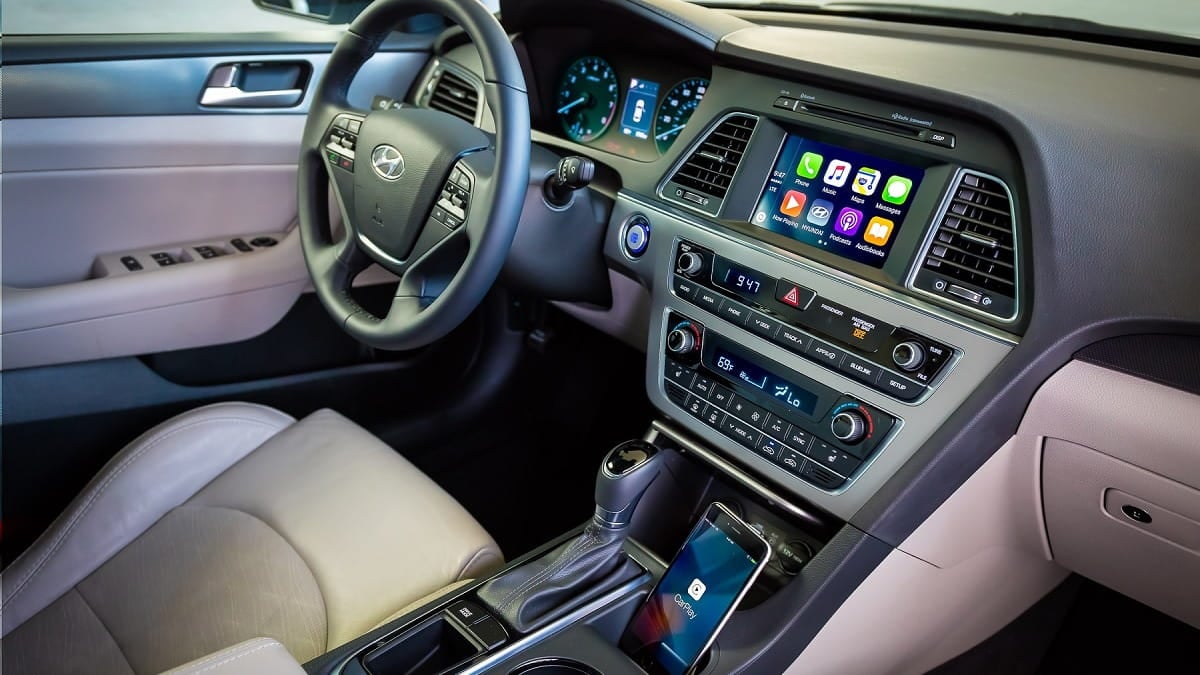
What are Android Auto and Apple CarPlay and Which Is Better?
To compare Apple CarPlay and Android Auto, we looked at the latest versions. Specifically, we looked at Apple CarPlay running on iOS 18 versus Android Auto with the Coolwalk interface and focused on everyday driving tasks like navigation, music, and notifications. Both systems aim to reduce distraction while still giving drivers useful information, but they take very different approaches. One leans toward freedom and customization, the other toward simplicity and polish.
Android Auto’s major redesign, codenamed Coolwalk, layout feels busy at first, yet it becomes intuitive once you spend time with it. The large map stays front and center, while music suggestions and recent apps sit alongside it. Switching between apps like Spotify or YouTube Music feels quick and fluid, with smooth animations that make multitasking easy. Android also allows custom wallpapers, even matching the phone’s background, which adds a personal touch. Apple CarPlay looks cleaner and more elegant, and typical with Apple products, customization is limited. Wallpaper options exist, yet personal images are not supported, and the layout sticks closely to Apple’s minimalist design.
Android Auto handles notifications in a more flexible way. Missed messages appear later in a corner of the screen, making them easy to review when it is safe. CarPlay shows notifications briefly, then relies on small app badges to signal missed messages. That approach keeps the interface clean, but it can make it easier to overlook important alerts while driving.
Voice control is an area where Android Auto currently feels more efficient. Google’s assistant tends to give direct answers and immediately starts navigation when asked for nearby locations. Siri on CarPlay often adds extra context, such as reviews or commentary, when the driver may only want a simple result. Apple’s new visual effects and intelligence features look promising, but in everyday use Android’s assistant feels faster and more focused.
Android Auto includes simple on-screen games that can be used while parked, which is useful for families waiting in the car. CarPlay does not offer games at all. This is a small feature, but it highlights Android’s willingness to experiment with broader in car entertainment options.
Apple CarPlay stands out strongly in accessibility. It offers features like siren and horn detection for drivers with hearing difficulties, color filters for color blindness, adjustable contrast, and bold text options. These tools make CarPlay easier to use for a wider range of drivers. Android Auto currently lacks this level of built in accessibility support.
Bottom Line
Android Auto offers more freedom, deeper customization, and smarter notification handling, which makes it feel powerful and flexible. Apple CarPlay delivers a refined, beautiful interface that is easy to learn and comfortable for drivers who value simplicity. CarPlay also clearly leads in accessibility, while Android shines in features and control. The better choice depends on whether you prefer freedom and customization or clarity and ease of use.
The Chevy Bolt
The Chevy Bolt is a compact electric car that helped bring long range EVs to everyday buyers, thanks to its practical size, impressive real-world range, and affordable pricing. It was launched for the 2017 model year and quickly stood out by offering more than 200 miles of range at a time when that was rare in its price class. What sets it apart is its efficiency focused design, roomy interior for a small footprint, and low cost of ownership compared to many newer EVs. The Bolt has typically cost between the high $20,000s and low $30,000s before incentives, making it one of the most affordable long range EVs sold in the U.S. It is offered as a four-door hatchback, along with the slightly larger Bolt EUV variant. Apple CarPlay and Android Auto were added early in the Bolt’s lifecycle and became standard, with wireless support arriving on later model years.
What Do You Think?
If you own an EV other than Tesla, do you rely on CarPlay or Android Auto, or do you mostly use the car’s native system?
What was the moment that made CarPlay or Android Auto finally “click” for you, or made you decide it was not worth using?
Chris Johnston is the author of SAE’s comprehensive book on electric vehicles, "The Arrival of The Electric Car." His coverage on Torque News focuses on electric vehicles. Chris has decades of product management experience in telematics, mobile computing, and wireless communications. Chris has a B.S. in electrical engineering from Purdue University and an MBA. He lives in Seattle. When not working, Chris enjoys restoring classic wooden boats, open water swimming, cycling and flying (as a private pilot). You can connect with Chris on LinkedIn and follow his work on X at ChrisJohnstonEV.
Photo credit: Hyundai media kit
Set Torque News as Preferred Source on Google
Follow us today...







Comments
Choose a trusted platform…
Permalink
Choose a trusted platform for your gaming sessions by heading to mostbet es confiable offering strong reliability and excellent playing conditions. The background significantly influences the storyline.