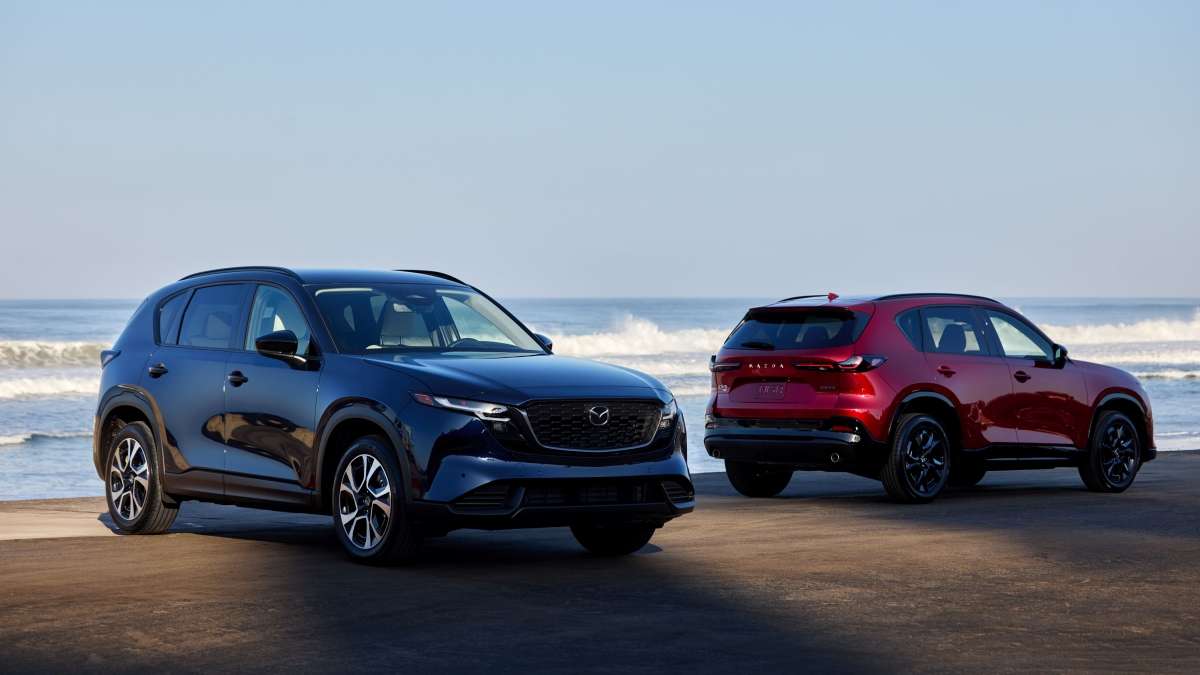

According to Consumer Reports, Mazda is currently the safest new-car brand. The Japanese carmaker has been consistently offering great value for money and cars featuring unconventional engineering, but this is the first time Mazda is getting the esteemed title by IIHS. But with modern vehicles being so reliant on tech, there are bound to be glitches. I stumbled on something interesting while browsing the Mazda CX-5 Owners group on Facebook. One owner recently joined the community after purchasing a 2025 Mazda CX-5, and reported issues with the automatic braking system. Here’s what he said:
“I just bought my first Mazda a few weeks ago and like the car, other than the automatic brakes. It got me twice where it automatically brakes slamming to a stop like it thinks I'm going to hit something. Does anybody know how to permanently deactivate that? I know the way to do it each time you get in the car, but I'm in and out of the car all day, and that's inconvenient. 2025 CX-5 is preferred.”
It is always a nuisance when a system designed to prevent accidents works against you. In some cases, it can even cause accidents. I have had a few experiences with safety systems not doing their job properly or “overreacting”.
In this article, I am looking into the history of the issue, its solutions, and what you can do to negate it.
This is about Mazda’s Forward Smart City Brake Support (SCBS) system, which automatically applies the brakes when the car decides there is an obstacle ahead. There was a known issue with this system on some 2019-2020 Mazda CX-5 models, and a technical service bulletin was issued for those. The issue was reportedly caused by corrosion. The solution was to replace the sub-harness of the forward parking sensor with an improved, water-resistant part, in order to negate corrosion-induced sensor failures.
Turning off the system is a temporary solution
Modern cars have too much tech that can override driver control. Luckily, you can turn most of them off, and many owners opt to do so. Mazda’s smart-braking feature is no exception. There are two caveats to that. The first one is you have to go into the car’s menu via the infotainment. The sequence is as follows: Settings - Safety - Smart City Brake Support.
And yes, not making it as straightforward as pressing a single button is on purpose. The second thing is that the system resets every time you shut the engine off and start it up again, which means you have to go into the settings every time you start the car, which is a tedious process.
Permanently disabling the system is possible, but it requires a specialist with the correct software and knowledge. Some dealerships offer this as a service, but it can be pricey. You can always take a chance with an independent specialist.
What other owners say
Turning off the sensors may not be a solution, as one owner shares their experience:
“I would also like to know how to disable this feature because it’s especially annoying while reversing with a trailer when it keeps slamming on the brakes as soon as I get to 2 km/h.
I’ve tried turning off the parking sensors, but it doesn’t turn off all the way while it’s displaying all the warnings that the parking sensors are turned off to watch all your surroundings, it’s still slamming on the brakes while reversing with a trailer.”
One Mazda CX-5 owner did something simpler: “I have it set to the latest reaction time and haven’t had any issues since”.
This can be done through the car’s infotainment. You access the same menu (Settings - Safety - Smart City Brake Support), and then you have the option to adjust the system’s sensitivity or distance warning. There are three settings - Near, Medium, and Far, with the latter being the most sensitive. Setting it to Near will delay the system reaction.
There is something extra you need to do if you are towing with your CX-5
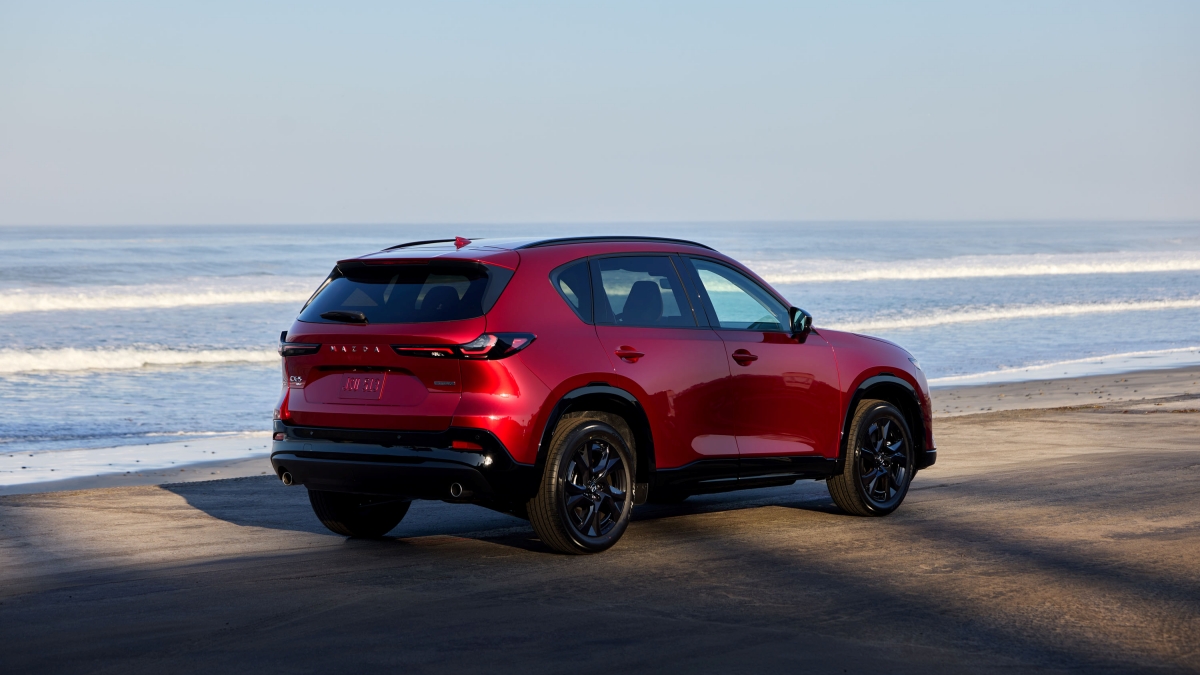
Some owners report similar issues while reversing and towing. The Mazda CX-5 does not have a dedicated button for a trailer mode, so you have to “tell” the car that there is a trailer differently. The key is to install a vehicle-specific trailer harness. What would help the process is following these steps:
Use specific wiring instead of splicing directly into the taillighting system, as it can damage the car’s electronics. A four-pin to seven-pin harness is a must, as it “tells” the car there is a trailer attached. A proper connection allows for the car’s Trailer Stability Assist (TSA) to work properly.
If your vehicle is new, do not tow before the engine break-in period is finished. Avoid towing during the first 600 miles to prevent powertrain or any other potential damage.
Ideally, do not tow more than the manufacturer-recommended maximum towing capacity. For the CX-5, that’s 2,000 pounds (1,500 pounds for some markets and variants).
It is recommended to increase the tire pressure by 3.0 Psi in order to support the added weight, reduce heat buildup, and prevent the tire sidewalls from flexing.
Have you had a similar experience with your car? If so, I am curious to hear any insight you might have. Feel freee to hit the comment section below.
Image source: 2026 Mazda CX-5
About the author
Dimitar Angelov has been an automotive journalist since 2014. His passion for cars and motorcycles led him to take up classic car restoration at the Classic Car Museum in Malta. While living there, he also graduated with a Master's in Media and Communications. Aside from Torquenews, his work can also be seen on Topspeed.com, HotCars.com, Motorheads.com, Jalopnik.com, and his own website, Ridereverie.com, where he also includes motorcycle content.
Other relevant experiences in the automotive scene include working at a Toyota dealership, professional driving, and automotive insurance. Dim is happy to get behind the wheel of any car and share his impressions. You can follow Dimitar on X, LinkedIn, Instagram, and Facebook.
Experience
- 2012-2017 and 2025-Present: Insurance Advisor - ANG Univers and Generali Insurance Group
- 2016-2016: Car salesman at Toyota dealership
- 2014-Present: Automotive journalist, blogger, vlogger, test driver
Education
- Bachelor's degree in International Economic Relations
- Master's degree in Marketing
- Master's degree in Media and Communications
Dimitar Angelov has been quoted in the following publications:
Set Torque News as Preferred Source on Google
Follow us today...